
Page Orientation
Page Size
Add Margin
Image to PDF Converter: Easily Turn Images into PDF Files Online (Complete USA Guide)
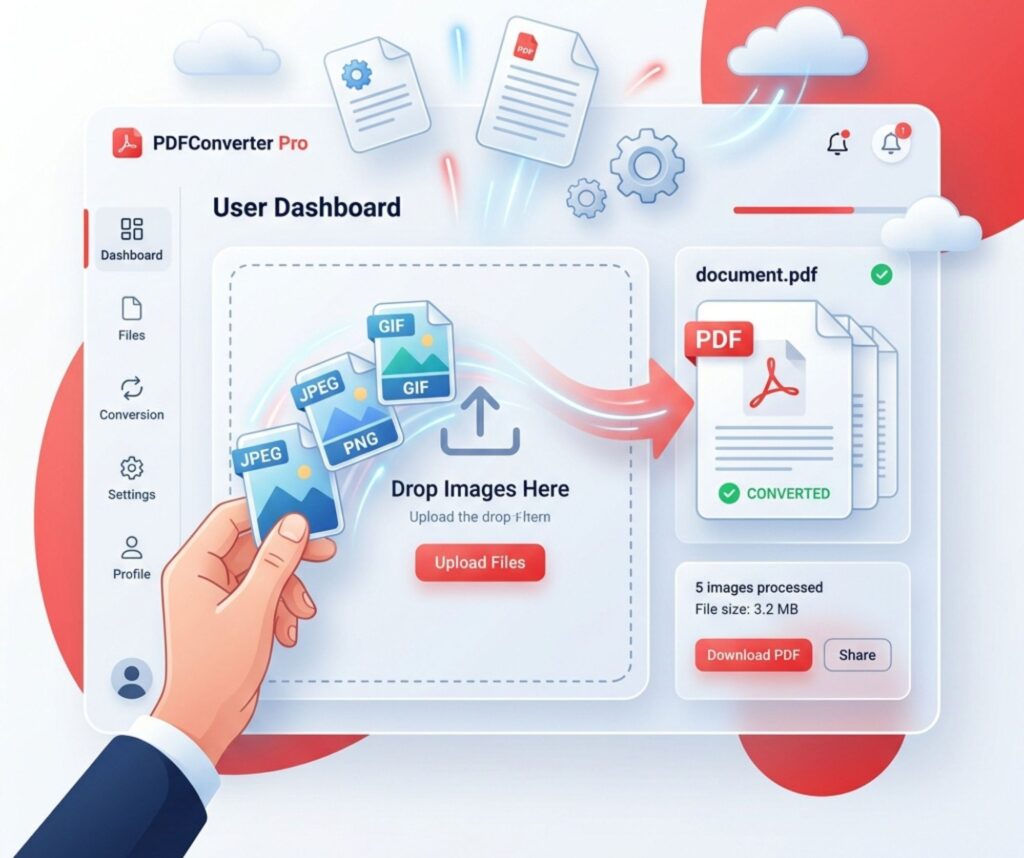
Image to PDF conversion has become an essential digital skill in today’s fast-moving online world. It allows you to turn photos into clean, organized documents within seconds using an image to pdf converter. Whether you are a student, office worker, or freelancer, this process helps you manage files more efficiently.
Many users rely on a convert image to pdf online method because it is quick and requires no installation. In fact, tools like jpg to pdf converter, png to pdf tool, and photo to pdf converter make document handling smoother. Moreover, a reliable image to pdf free tool ensures quality and convenience, helping you stay productive in both personal and professional tasks.
What is Image to PDF Conversion?
Image to PDF conversion is a simple process where you turn pictures into a single document file. A modern image to pdf converter helps you change photos into clean PDF files without stress. This method is widely used in the USA for school, office, and personal work. It supports formats like JPG and PNG using tools such as jpg to pdf converter and png to pdf tool.
Today, people use a photo to pdf converter to organize documents faster. Instead of sending many images, you can send one PDF file. For example, students combine notes into one file using an online pdf maker. This saves time and keeps files neat. In fact, many users prefer a convert image to pdf online method because it works instantly without installation.
Why You Need to Convert Images into PDF Files
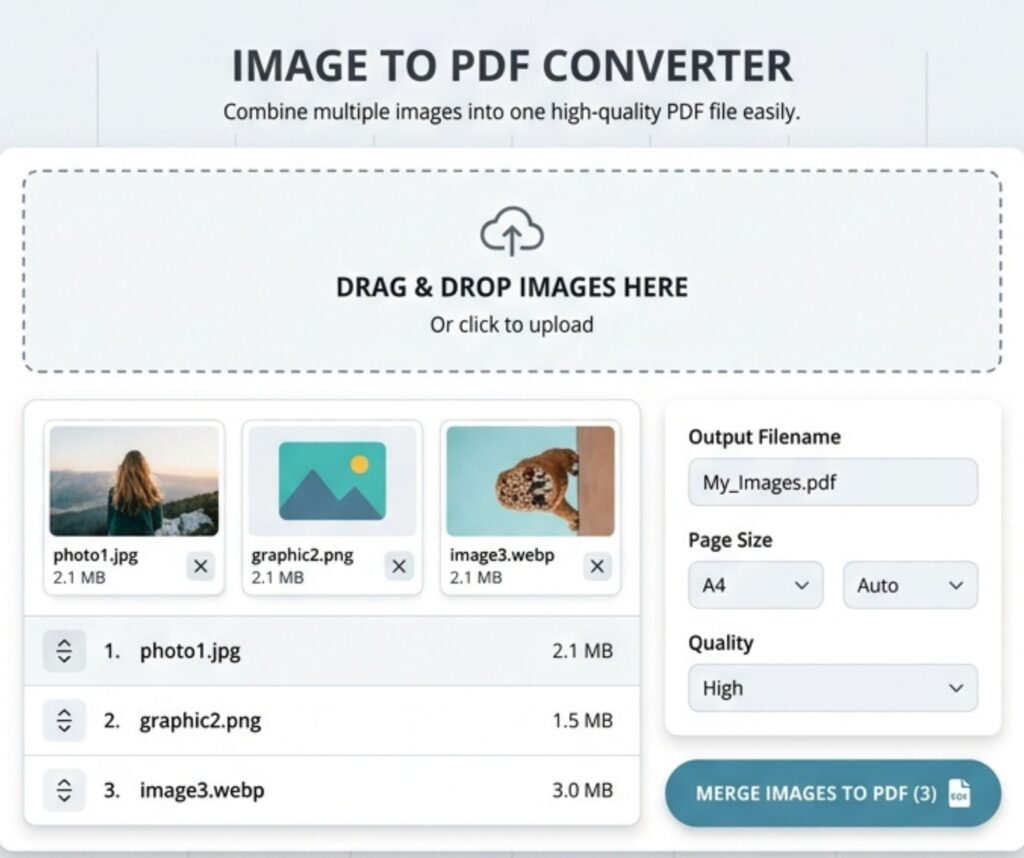
You need image to PDF conversion because it makes files professional and easy to share. A strong image to pdf free tool helps you manage documents without confusion. Businesses in the USA often use it for reports, invoices, and scanned records.
For example, instead of sending ten photos, you can convert pictures to PDF in one file. This improves clarity and reduces errors. Moreover, tools that allow multiple images to pdf help users save storage space and improve organization.
How Image to PDF Conversion Works
Image to PDF conversion works by uploading images into a system that processes and merges them into a document. A pdf converter tool online analyzes image size, quality, and layout before creating a final file. This process is fast and automatic.
For example, a scan image to pdf tool detects edges and adjusts brightness. Then it builds a structured file. Many users also prefer image to pdf without software because it runs directly in the browser. This makes the process smooth and beginner-friendly.
Best Online Image to PDF Converter Tools
The USA market offers many tools for image conversion. A good online pdf maker should be fast, secure, and easy to use. These tools help you create documents in seconds.
| Tool Type | Feature | Use Case |
| Free Converter | Quick processing | Students |
| Premium Tool | High quality output | Businesses |
| Mobile App | Easy access | Personal use |
A convert image to pdf online tool is preferred because it does not need installation. Many users also look for a high quality image to pdf tool for professional work.
How to Convert Image to PDF on Mobile (Android & iPhone)
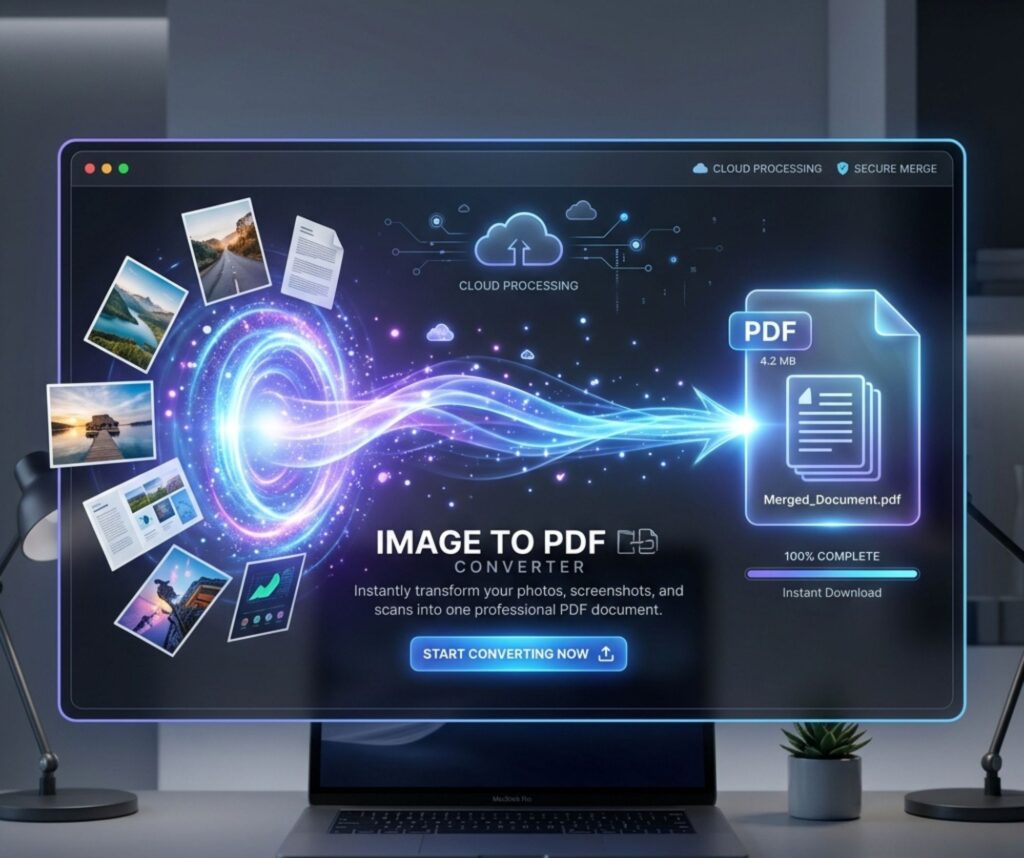
Mobile conversion is popular in the USA because it is fast and simple. A photo to pdf converter app helps users turn images into documents in seconds. Android and iPhone both support this feature through built-in tools and apps.
For example, users often search how to convert image to pdf on android phone to save receipts or notes. iPhone users also use how to convert image to pdf on iphone free methods through the Files app or camera roll tools.
How to Convert Image to PDF on Windows PC
Windows users prefer desktop tools for better control. A jpg to pdf converter on PC allows drag-and-drop features for fast conversion. It is useful for office and school work in the USA.
Many users search how to save image as pdf file on pc because Windows supports built-in print options. This method works offline and does not require extra software, making it reliable and secure.
How to Convert Image to PDF on Mac
Mac users can easily convert images using the Preview app. A png to pdf tool on macOS gives smooth and high-quality output. It is widely used by designers and professionals.
For example, users often search easiest way to turn photo into pdf on Mac. The system allows quick export without installing extra tools. This makes image to pdf converter usage simple and efficient.
Image to PDF Conversion Without Losing Quality
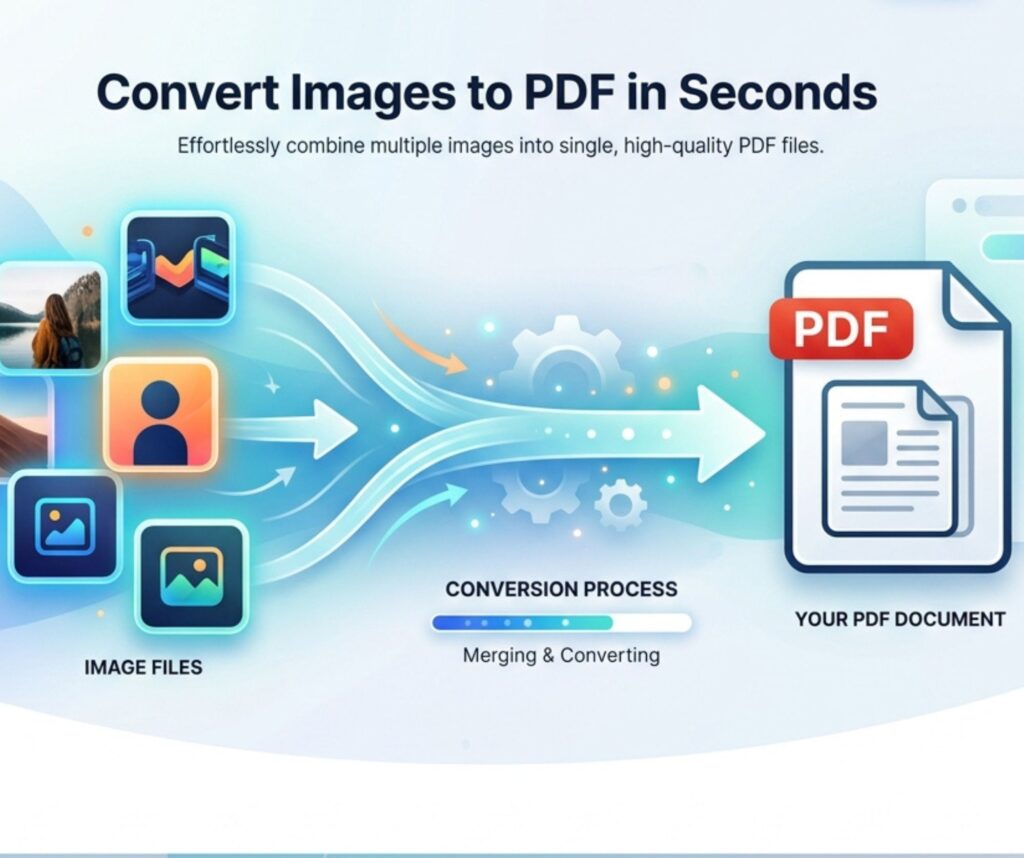
Quality matters when creating documents. A strong high quality image to pdf tool keeps images sharp and clear. This is important for printing and business use in the USA.
Many users ask how to convert image to pdf without losing quality. The answer is to use tools that avoid compression loss. You can also use compress pdf after image conversion options to balance size and clarity.
Common Problems in Image to PDF Conversion and Solutions
Sometimes users face issues like blurry output or large file sizes. These problems usually come from low-quality tools. A proper image to pdf converter solves most of these issues instantly.
For example, users often face trouble when trying convert png image to pdf without app. The solution is to use a browser-based tool that supports free online tool to convert image into pdf without watermark. This ensures smooth performance.
Tips to Optimize PDF Files After Conversion
Optimizing PDF files improves speed and storage. A good pdf converter tool online helps reduce file size without losing quality. This is important for email sharing and cloud storage.
Users often search best way to convert images into pdf format fast for better productivity. You can also use tools that support step by step guide to convert image to pdf for beginners. This improves workflow and efficiency.
Final Thoughts
Image to PDF conversion is now essential in digital life. Whether you use a convert image to pdf online tool or mobile app, the process is fast and reliable. It helps students, workers, and businesses in the USA manage files easily and professionally.