
Drop PDF files here
Upload one or multiple PDF files
PDF Settings
Drag & drop files to reorder PDF pages before merging.
Merge PDF Files Online: Easy, Fast, and Free Complete Guide
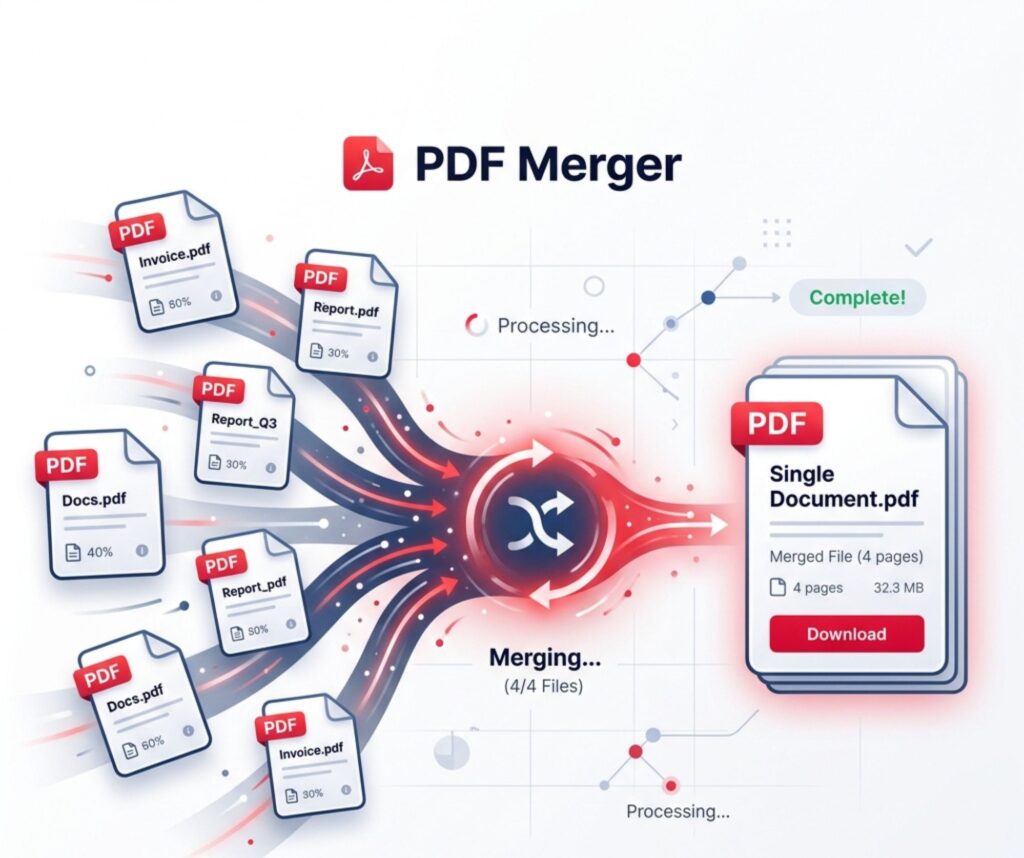
Merging PDFs has become a daily digital need in the USA. You often deal with reports, forms, and scanned pages that feel scattered. That is where Merge PDF Files Online solutions step in and make life smoother. With the right PDF merger tool, you can quickly combine PDF files into one clean document without confusion.
Today, people prefer a fast and secure PDF merging tool online instead of heavy software. It saves time, storage, and effort. Whether you want to join PDF documents for work or school, modern tools offer a simple drag and drop PDF merge experience. Everything happens in seconds, even for beginners.
What is Merge PDF and How Does It Work?
Merge PDF Files Online means combining two or more PDF files into one single document. It uses an online PDF combiner that uploads your files to a server and processes them instantly. This creates a smooth PDF file joining method without installing software.
For example, when you upload three separate invoices, the system arranges them and combine documents into one PDF. The result is a clean file ready for sharing or printing. Many users prefer PDF merge without software because it works on any device and browser.
Here is a simple flow:
| Step | Action |
| 1 | Upload files |
| 2 | Arrange order |
| 3 | Merge PDFs |
| 4 | Download final file |
This simple process explains how to merge PDF files online free in seconds.
Why Do People Need to Merge PDF Files?
People use Merge PDF Files Online tools for many reasons in daily life. Students, office workers, and freelancers all depend on it. It helps them organize scattered documents into one neat file using a free PDF merge tool.
Businesses often need to merge multiple PDFs like invoices, contracts, and reports. It improves communication and saves time. For example, HR teams often ask how do I combine two PDF files into one when handling resumes.
Common real-world uses include:
- Students combining assignments
- Offices handling reports
- Freelancers sending portfolios
- Legal teams managing case files
As a result, many ask best way to merge PDFs without quality loss for professional use.
Best Methods to Merge PDF Files Online
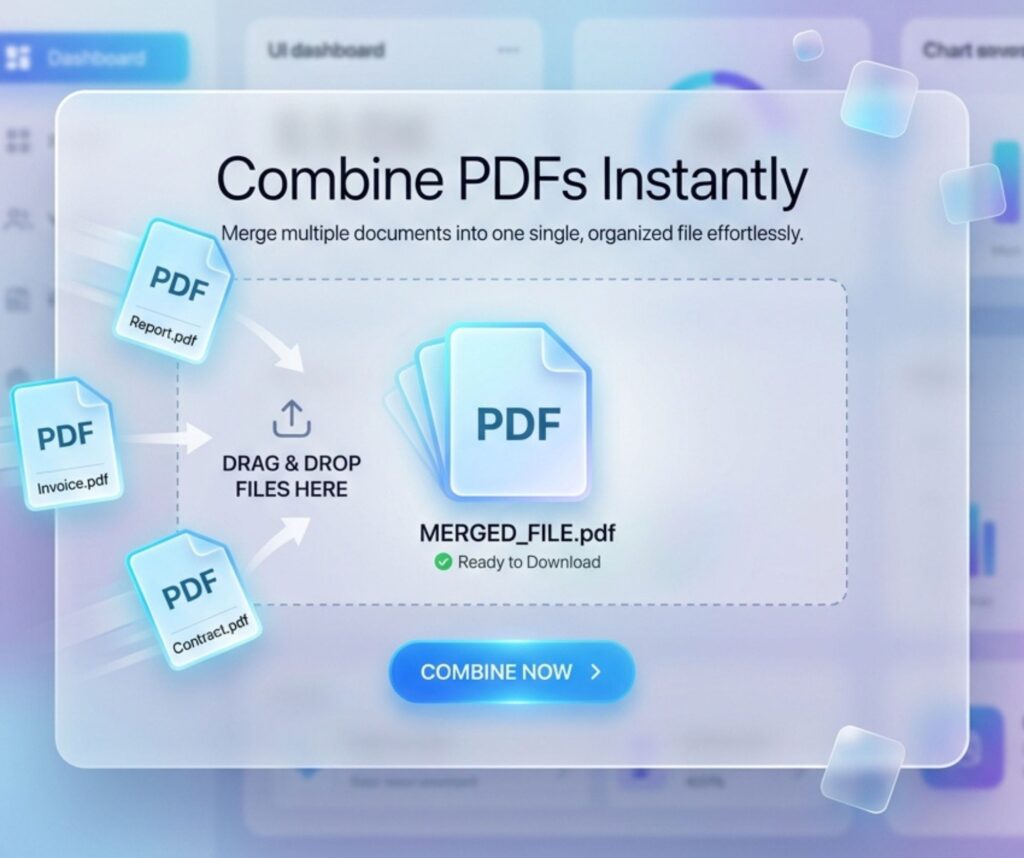
There are different ways to Merge PDF Files Online depending on your device. The most popular method is using a PDF merger tool in a browser. It is fast and requires no installation.
Another method is using desktop software or mobile apps. However, most users prefer a no signup PDF merge tool free option because it saves time. You can also compress and merge PDF files together for faster sharing.
Comparison table:
| Method | Speed | Ease | Software Needed |
| Online tool | Fast | Very easy | No |
| Mobile app | Medium | Easy | Yes |
| Desktop software | Fast | Medium | Yes |
This shows why online PDF combiner tools are the most popular choice today.
Step-by-Step Guide to Merge PDF Files Easily
Using Merge PDF Files Online tools is very simple. First, open a trusted website that offers free tool to merge PDF files quickly. Then upload your documents and arrange them in order.
Next, click merge and wait a few seconds. The system will process your files using a fast PDF merging tool. Finally, download your combined file safely. This is the easiest step by step guide to merge PDF online.
For example, if you want to combine scanned PDF files, just upload them the same way. The tool handles everything automatically and delivers a single file.
How to Merge PDF Files on Mobile Devices
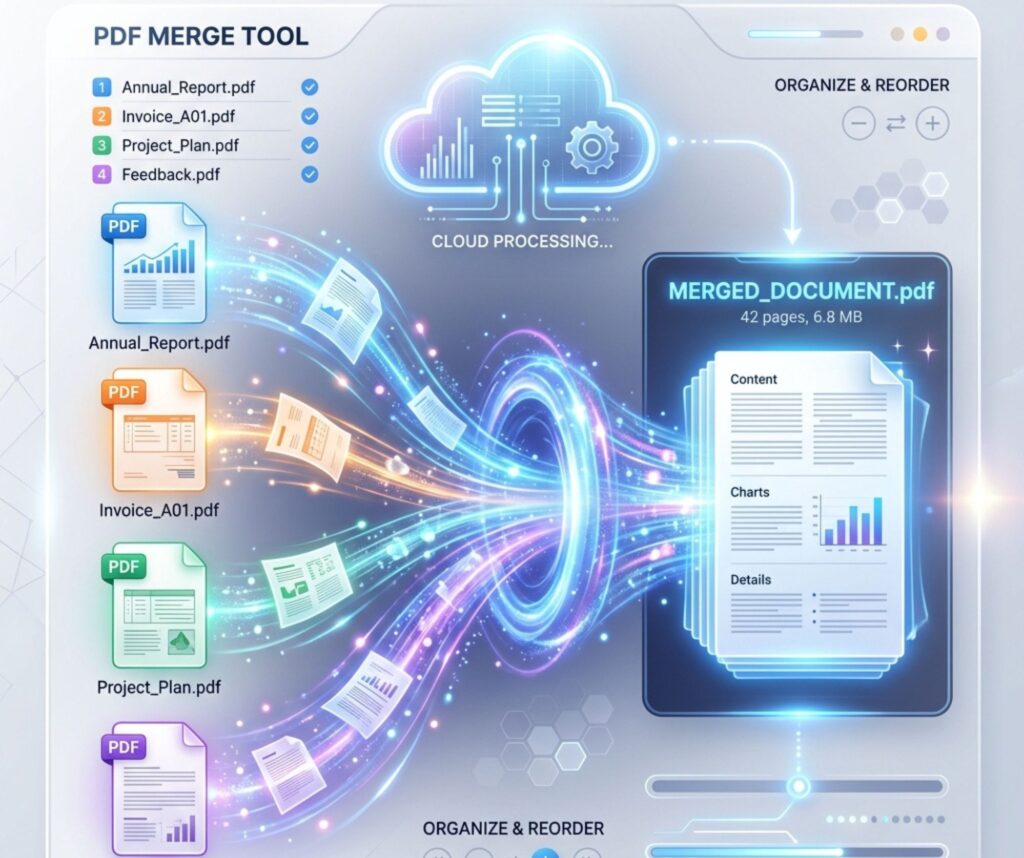
Mobile users often ask can I merge PDF files on mobile. The answer is yes. Android and iPhone both support Merge PDF Files Online through apps and browsers.
Apps allow you to quickly join PDF documents while traveling or working remotely. You simply select files, tap merge, and download the result. It is a simple combine PDF files on Android and iPhone process.
Mobile tools also support batch PDF merge, which helps you combine multiple files at once. This is useful for busy users who need speed and convenience.
How to Merge PDF Files on Windows and Mac
Windows and Mac users have built-in and online options for Merge PDF Files Online. On Windows, you can use print-to-PDF tools. On Mac, Preview helps you quickly combine documents into one PDF.
However, most users prefer online tools for flexibility. They support PDF merge without software, which saves installation time. You can also use advanced platforms for large files.
Many users search how to merge PDF without Adobe Acrobat because they want free solutions. Online tools solve this problem easily.
Best Free Tools to Merge PDF Files in 2026
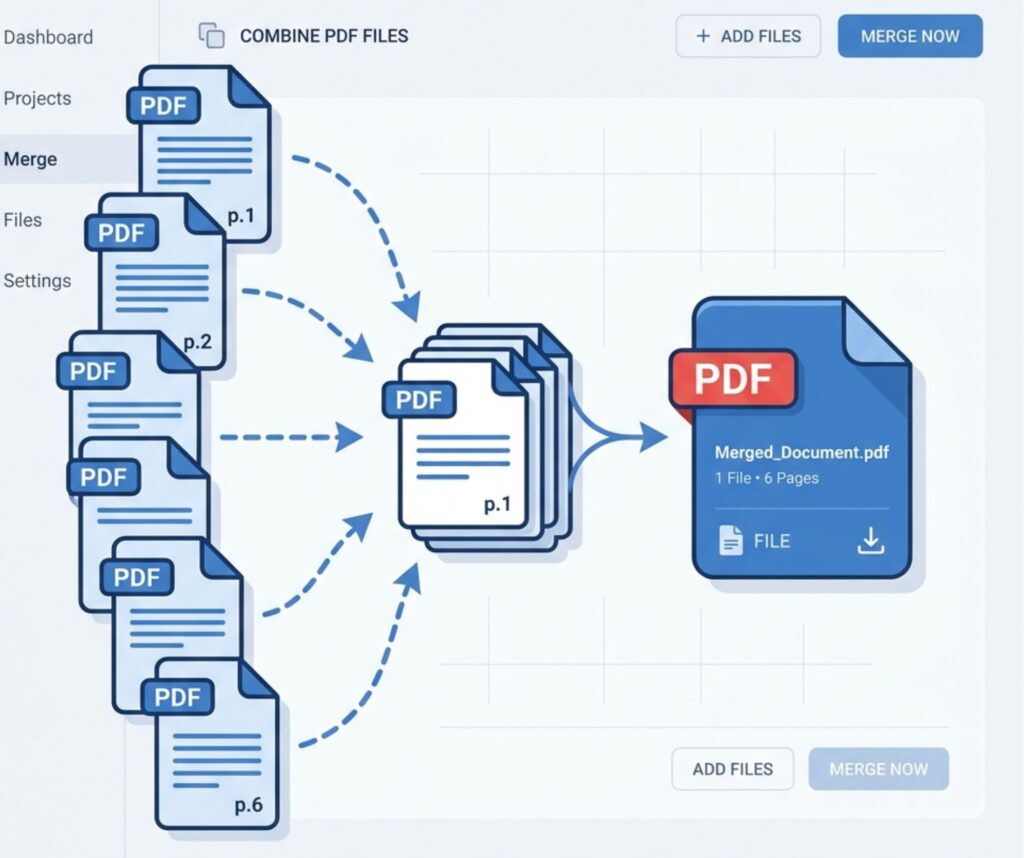
In 2026, many platforms offer best free online PDF merger 2026 services. These tools focus on speed, privacy, and ease of use. They allow secure PDF merging online without watermark.
Popular tools include browser-based platforms with drag and drop PDF merge features. Some also support advanced features like batch PDF merge and file compression.
Quick comparison:
| Feature | Availability |
| No watermark | Yes |
| Fast processing | Yes |
| Secure upload | Yes |
| Free usage | Yes |
These tools are perfect for users who want a fast and secure PDF merging tool online.
Advantages of Merging PDF Documents
Using Merge PDF Files Online brings many benefits. It improves document organization and reduces confusion. You can combine PDF files into one clean file for better workflow.
It also helps in professional communication. Sending one file is easier than multiple attachments. Many users prefer this easiest method to combine PDF documents for daily tasks.
Key advantages include:
- Faster file sharing
- Better organization
- Professional presentation
- Reduced storage clutter
Common Issues While Merging PDF Files and Fixes
Sometimes users face issues while using Merge PDF Files Online tools. Large files may upload slowly or fail. This happens when servers limit file size.
Another issue is broken files that fail to open after merging. In such cases, try a different PDF merger tool. Always choose trusted platforms for better results.
Example fix table:
| Problem | Solution |
| Slow upload | Compress file |
| Merge failure | Re-upload files |
| Corrupt output | Use another tool |
This ensures smooth how to merge large PDF files online experience.
Tips to Secure Your PDF Files While Merging
Security matters when using Merge PDF Files Online tools. Always choose platforms with encryption. This ensures secure PDF merging online without data leaks.
Avoid unknown websites. Use trusted tools with HTTPS protection. Many users prefer free PDF merge tool platforms that delete files after processing.
Simple safety habits:
- Use trusted websites
- Avoid public Wi-Fi
- Delete uploaded files
- Check privacy policy
Conclusion: Which Method is Best for You?
Choosing the right Merge PDF Files Online method depends on your needs. Online tools are best for speed and simplicity. Mobile apps suit users on the go. Desktop tools are ideal for offline work.
If you want the best way to merge PDFs without quality loss, online tools remain the top choice. They are fast, free, and easy to use. For most users, the fast and secure PDF merging tool online delivers the best experience.